
 |
| 


It's Not about the destination, it's about savoring each moment of the journey.
No Matter What Your Speed, Embrace Every Mile With Escort Radar Detectors
No Matter What Your Speed, Embrace Every Mile With Escort Radar Detectors
Discover Escort Radar
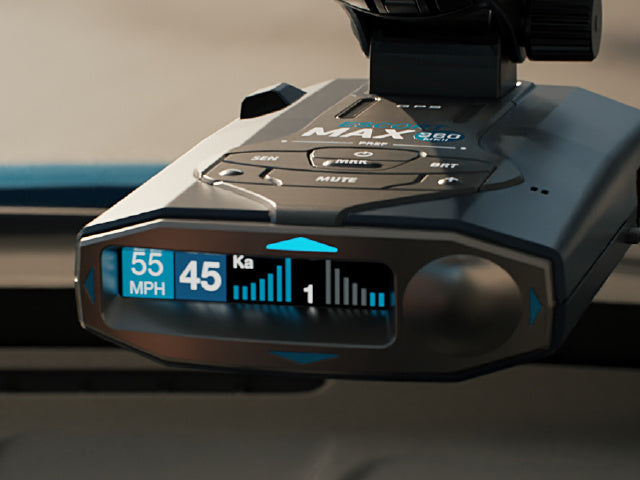
Performance in overdrive.
With the best balance of detection range, response time, and filtering accuracy, Escort radar detectors ensure peak performance.
Read More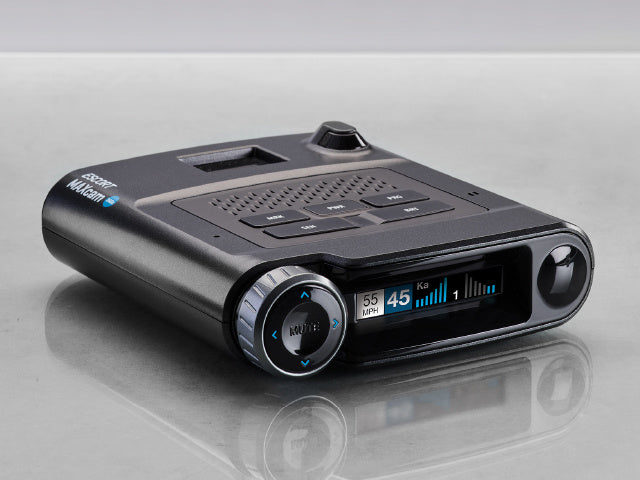
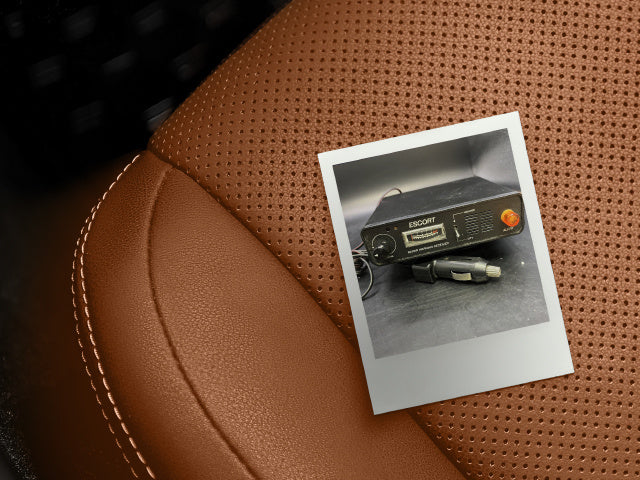
"Through advances in GPS accuracy, signal processing, and AI, the new Redline 360c is pretty quiet right out of the box."
 On The Redline 360c
"...it not only picked up every threat that the other detectors missed, but got smarter in the process."
 On the Redline 360c
"This beast of a radar detector has no interest in aping the black box aesthetic of its top-of-the-line competition. Instead, it's stylish with interesting contours and it's a hefty bit of machinery to boot."
 On The Redline 360c
"The MAX 360 MKII earns our top spot as the best radar detector of 2024"
 On the MAX 360c MKII
"The Escort’s capability and advanced feature set are worth that money, and the unit will pay for itself if it helps the driver avoid just a couple of tickets."



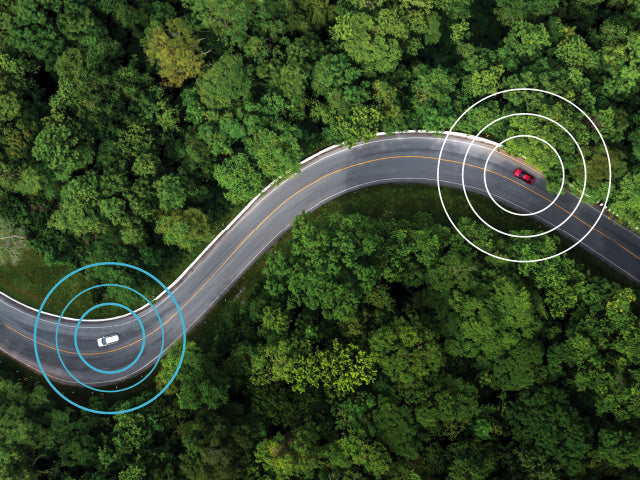
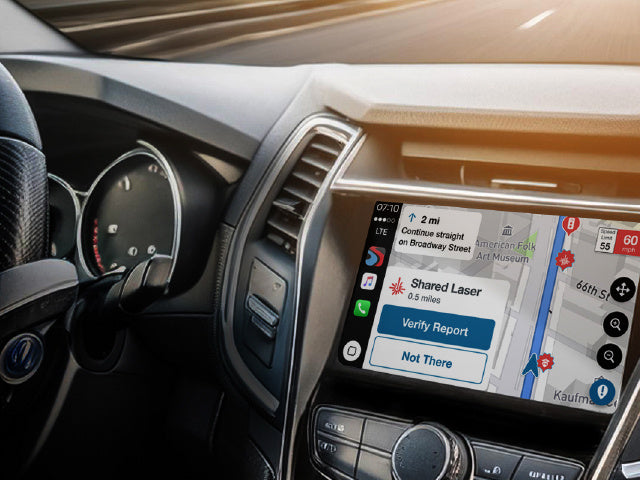
Drive with maximum awareness on your journeys with the companion app for Escort radar detectors. Share and receive radar, laser, and crowdsourced alerts from connected detectors and drivers in the Drive Smarter community, plus get every alert right at your fingertips with new Apple CarPlay® and Android Auto™ integration on your vehicle's display.


Trade In Program
Stay up to date with the latest in ESCORT driving technology. We’ll buy back your old detector and give you credit towards your new one.

Limited Ticket Guarantee
Building award-winning radar detectors means building confidence. So much confidence that we’ll pay your radar or laser speeding ticket. *Limited Ticket Guarantee applicable to Redline 360c, MAXcam 360c, MAX 360/360c MKII, and MAX 3.

Price Match Promise
All our customers deserve to enjoy our technology with the confidence that they received the best price. Find a better advertised price online for any current ESCORT portable premium model radar and we’ll match it within 30 days of purchase.

Free Shipping
We offer free shipping on all orders $99 and up. We want you to focus on the road, not how much you’re paying to get your detector.

INSTALLED DETECTORS
Technology Tailored To You.
Elevate your experience with Escort Radar's custom-installed detector solutions, designed to seamlessly and discreetly complement your vehicle.


Explore Custom Install
Customize Your Radar Detector
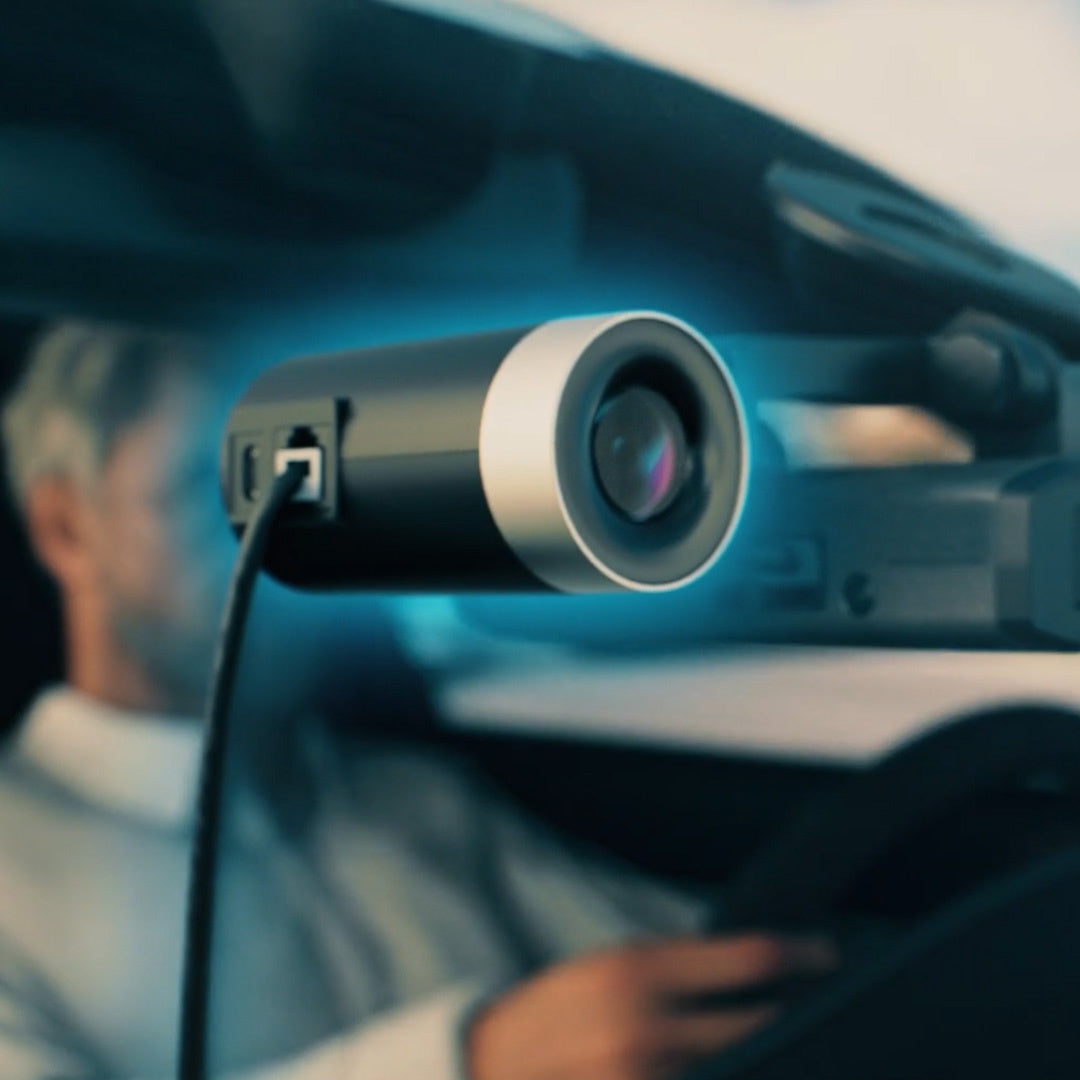
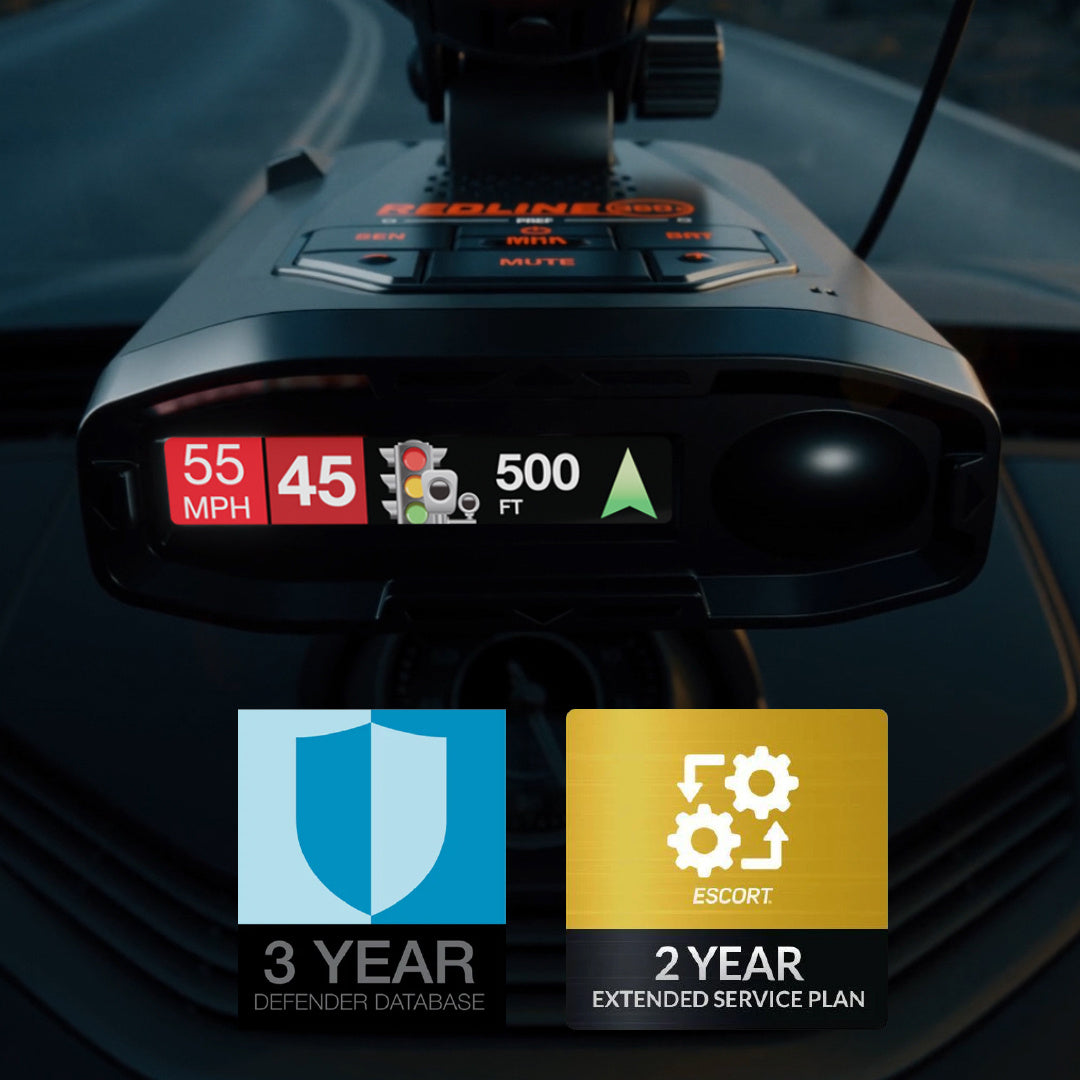


Get the Most Out of Your Drive with Escort
When you become a part of the Escort radar detector community, you'll discover a group of individuals who appreciate products crafted and supported in the U.S. Our commitment to our customers is backed by our Trade In Program, Ticket Protection Guarantee, Price Protection, and a dedicated U.S.-based customer care team.
Learn More